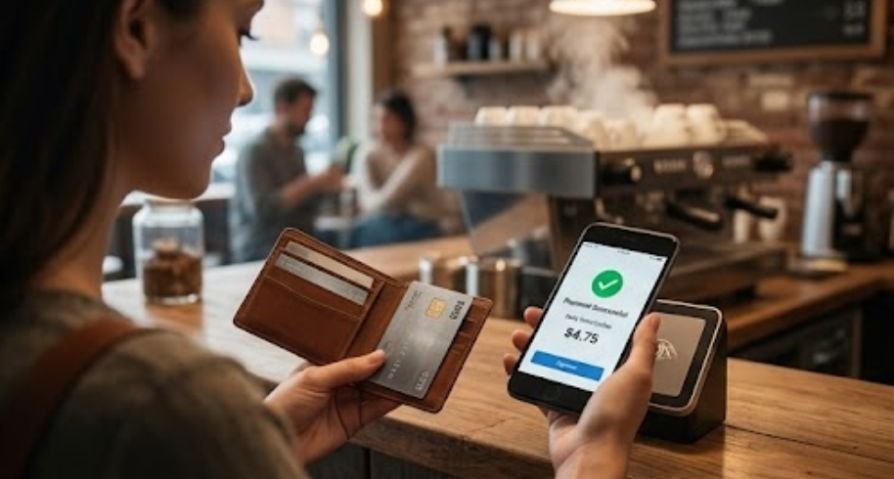
Holding up a grocery line because you cannot figure out how do I use contactless payment is a minor nightmare we have all faced. Here is the truth: tapping your card or phone is actually ten times faster than dipping a chip or pulling out wrinkled cash.
More than 80% of US merchants now accept tap-to-pay, according to data from the Federal Reserve Bank of San Francisco. Yet millions of people still avoid it simply because nobody ever explained the basic steps.
If you are learning how to manage money while streamlining your daily spending habits, mastering modern checkout tech is a great place to start.
How Tap-to-Pay Technology Works
Tap-to-pay relies on a short-range wireless frequency called Near Field Communication (NFC).
When you bring your physical card or smartphone within two inches of a checkout terminal, the two devices talk to each other over radio waves.
Instead of passing your real credit or debit card number across the airwaves, the system uses “tokenization.”
It generates a temporary, one-time encrypted code for that single purchase. Even if a cybercriminal intercepting the signal caught that code, it would be completely useless to them afterward.
This same tokenized-authorization system is part of a broader chain of card protections what is a credit card preauthorization explains a related hold mechanism that also happens before a charge is finalized.
Research published by the Consumer Financial Protection Bureau highlights that tokenized digital wallet transactions carry significantly lower fraud risks compared to traditional magnetic stripe swipes.
The Master Checklist: How to Use Contactless Payment Anywhere
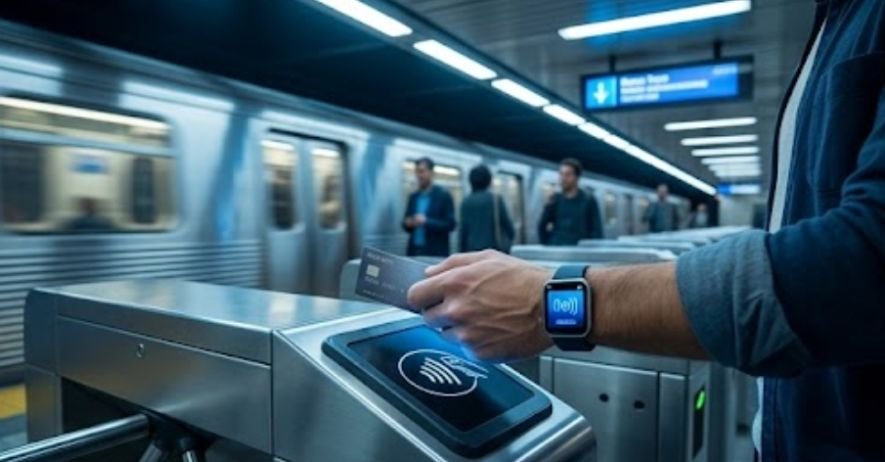
Whether you are using a plastic debit card, an iPhone, or an Android device, the core process remains straightforward.
Step 1: Spot the Symbol
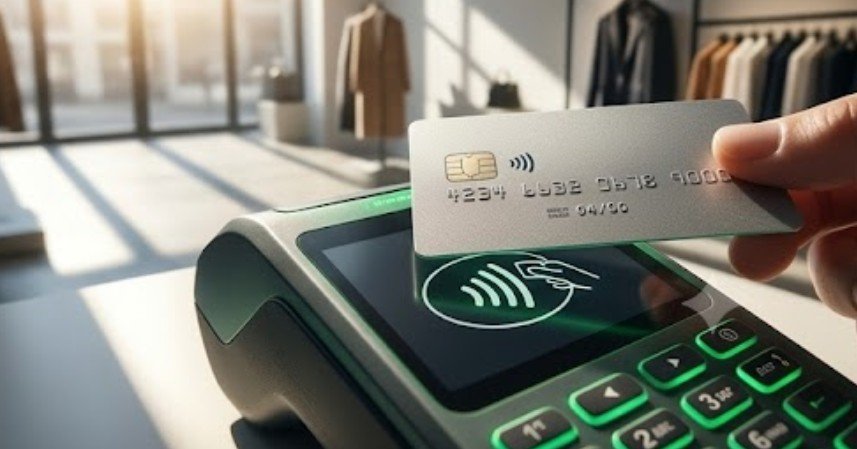
Look for the contactless indicator—four curved lines that look like a horizontal Wi-Fi logo. You will see this symbol printed on your debit card or displayed on the checkout terminal screen.
Step 2: Prep Your Payment Tool
- For Plastic Cards: Locate the side of the card displaying the contactless symbol.
- For Smartphones: Open Apple Wallet or Google Wallet, then authenticate using Face ID, Touch ID, or your passcode.
Step 3: The Two-Inch Tap
Hold your card flat or position the top edge of your phone within 1 to 2 inches of the terminal symbol. You do not need to physically slam the card against the screen.
Step 4: Listen for the Confirmation
Hold the device steady for about one second until the reader emits a high-pitched beep or lights up with four green indicators.
Cards vs. Mobile Wallets: Which One Should You Use?
Both plastic cards and mobile apps utilize NFC technology, but they handle authorization and personal budget tracking slightly differently.
| Feature | Plastic Contactless Card | Mobile Wallet (Apple/Google Pay) |
| Setup Required | None (Built into the card) | Requires app configuration |
| Authentication | Direct tap | Face ID / Fingerprint / Passcode |
| Works If Phone Battery Dies? | Yes | No |
| Lost Device Protection | Standard card cancellation | Remote lock via cloud services |
Whichever option you’re tapping with, it’s worth knowing what actually happens after the transaction posts how long do pending credit card transactions take breaks down the gap between the tap and the charge settling.
Hidden Benefits and Small Drawbacks to Keep in Mind
Using contactless payments saves valuable time during busy morning commutes or quick supermarket runs.
It keeps physical surface touching to a minimum and reduces wear-and-tear on your card’s magnetic strip and metallic chip.
However, convenience can occasionally lead to impulse purchases if you are not tracking your daily outings carefully.
Because tapping feels practically frictionless compared to handing over physical dollars, tracking daily transactions through your online banking dashboard remains essential.
That frictionless feeling is exactly the mechanism behind card spending more broadly how does credit card interest work covers what happens when those easy taps add up on a card you’re carrying a balance on.
Troubleshooting Common Tap-to-Pay Failures
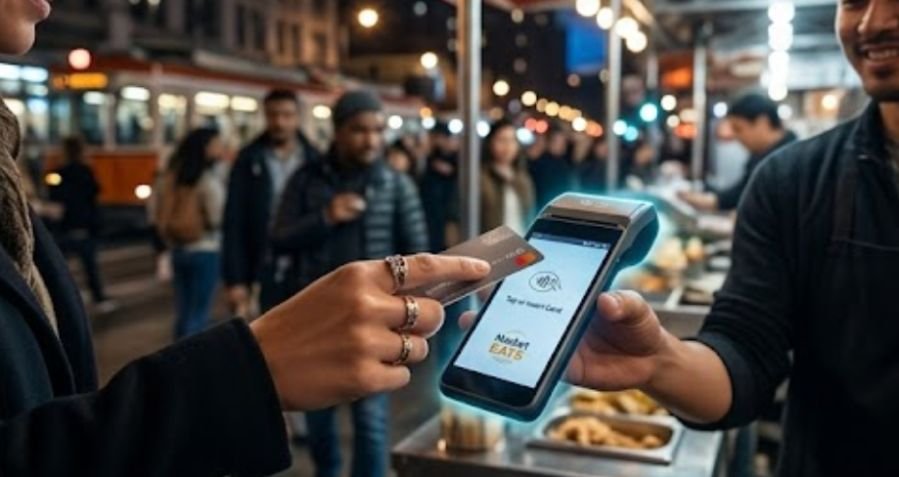
If your tap fails at checkout, run through these quick troubleshooting fixes:
- Thick Phone Cases: Heavy metal or magnet-backed phone cases block NFC radio signals. Strip off bulky covers if your phone refuses to register.
- Card Clutter: Tapping your entire billfold or wallet can trigger “card clash,” where the reader gets confused trying to scan two contactless cards simultaneously. Pull the specific card out first.
- Distance Issues: Moving your card or phone away too quickly cancels the transfer. Keep the device still until you hear the confirmation chime.
Frequently Asked Questions
1. What is the disadvantage of contactless payment?
The main disadvantage is spending too easily without noticing, alongside minor risks like card clash or a dead phone battery leaving you without your digital wallet at checkout.
2. How do I turn on contactless pay?
For physical cards, it is automatically enabled by your bank. For smartphones, turn on NFC in your settings, then add a card to Apple Wallet or Google Wallet.
3. Which side of the debit card do you tap?
You can tap either side. Just hold the end displaying the four curved wave symbols within two inches of the payment terminal reader.
4. How do I use my iPhone to pay contactless?
Double-click the side button, authenticate with Face ID or passcode, then hold the top of your iPhone near the contactless reader until you see “Done.”
Making Tap-to-Pay Second Nature
Learning how do I use contactless payment gives you a fast, secure, and touch-free way to manage daily checkout transactions. Once you make your first tap at a grocery register or coffee shop, the process becomes second nature.
By building smart digital habits today, you save time, safeguard your financial data, and gain clearer control over your personal wallet.